0
Your Cart
empty cart Your cart is currently empty! Return to Shop
Remove All Items

Online Store

In our online store, you will find modules, pages, and elements which we can tailor for your current project. We will design, develop, and style these components to match the look and feel of your website. Are you ready to order a complete solution? Explore our packages and schedule a free consultation today.

Background Switcher

$30.00

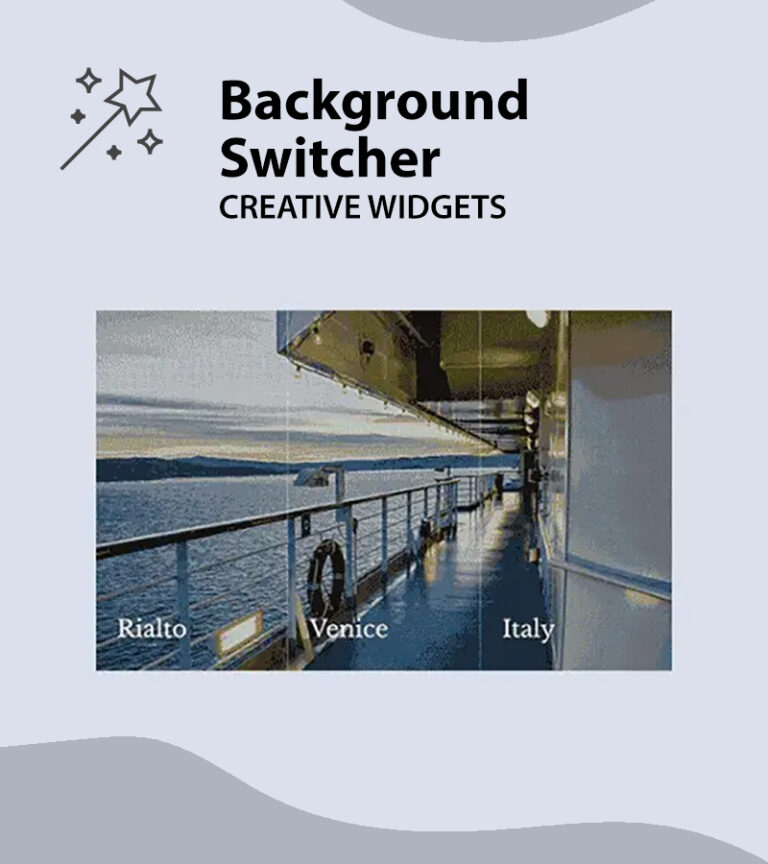
Impress your audience with smooth and seamless background transitions as they interact with your content.

SKU 053 Category Plugin
Select your preferred plugin
Product total
Options total
Grand total
My Cart
forms-look-feel

Design to match the look & feel

We will design and develop the purchased product to meet your needs and style it to match the design of your current website, including icons, text, and background colours.
Illustration of gear icon

Included with every purchase

With every purchase, we will set up the product on your server and ensure its functionality. Additionally, we will install the plugin you select at checkout, complete with an official lifetime licens.
faq

Additional questions?

If you have further questions, please check our FAQ section or contact us directly via email or WhatsApp. We are happy to assist with your inquiries and concerns.
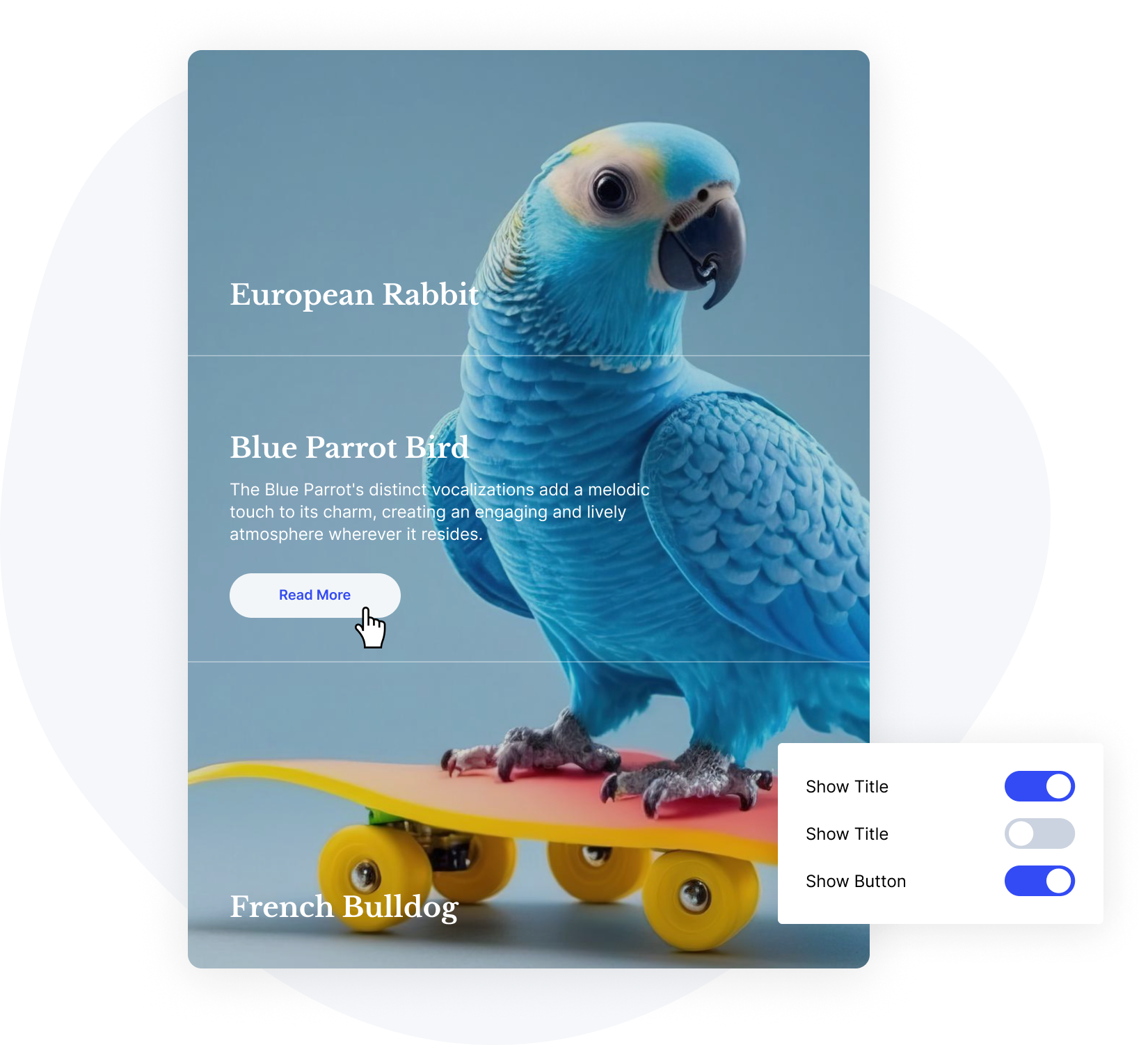
MAIN FEATURES

Settings

Present Your Content Interactively

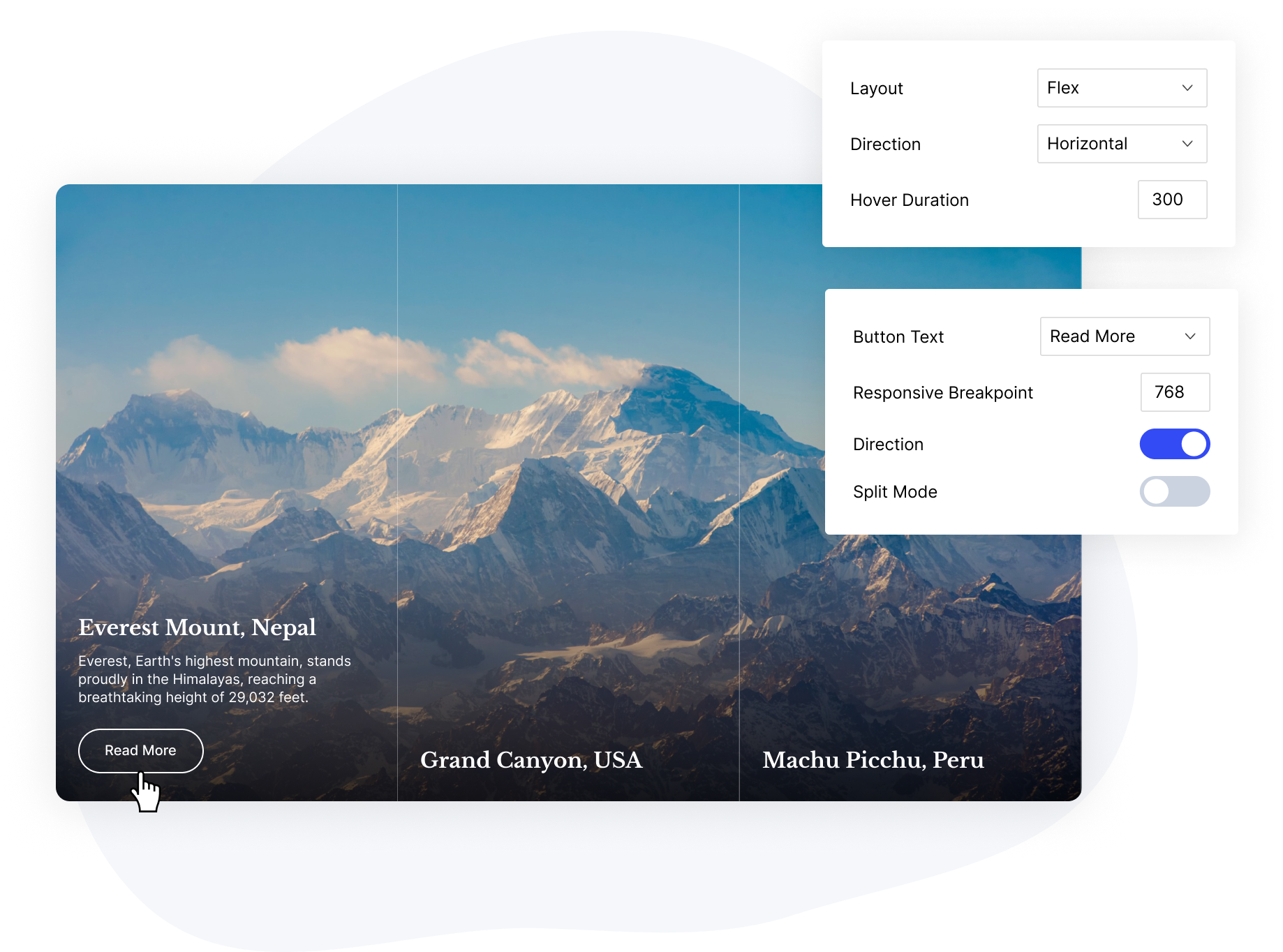
The Background Switcher offers a variety of choices. Select between a flex or grid layout, decide on the orientation – horizontal or vertical, and optionally add a split mode effect. Use the responsive breakpoint to ensure the design adapts smoothly to mobile screens.

Layout

Full Control Over Widget Presentation

Easily control the activation or deactivation of various elements within the Background Switcher widget layout through a centralized group of user-friendly settings.

Responsive

Optimized for Seamless Display on All Screen Sizes

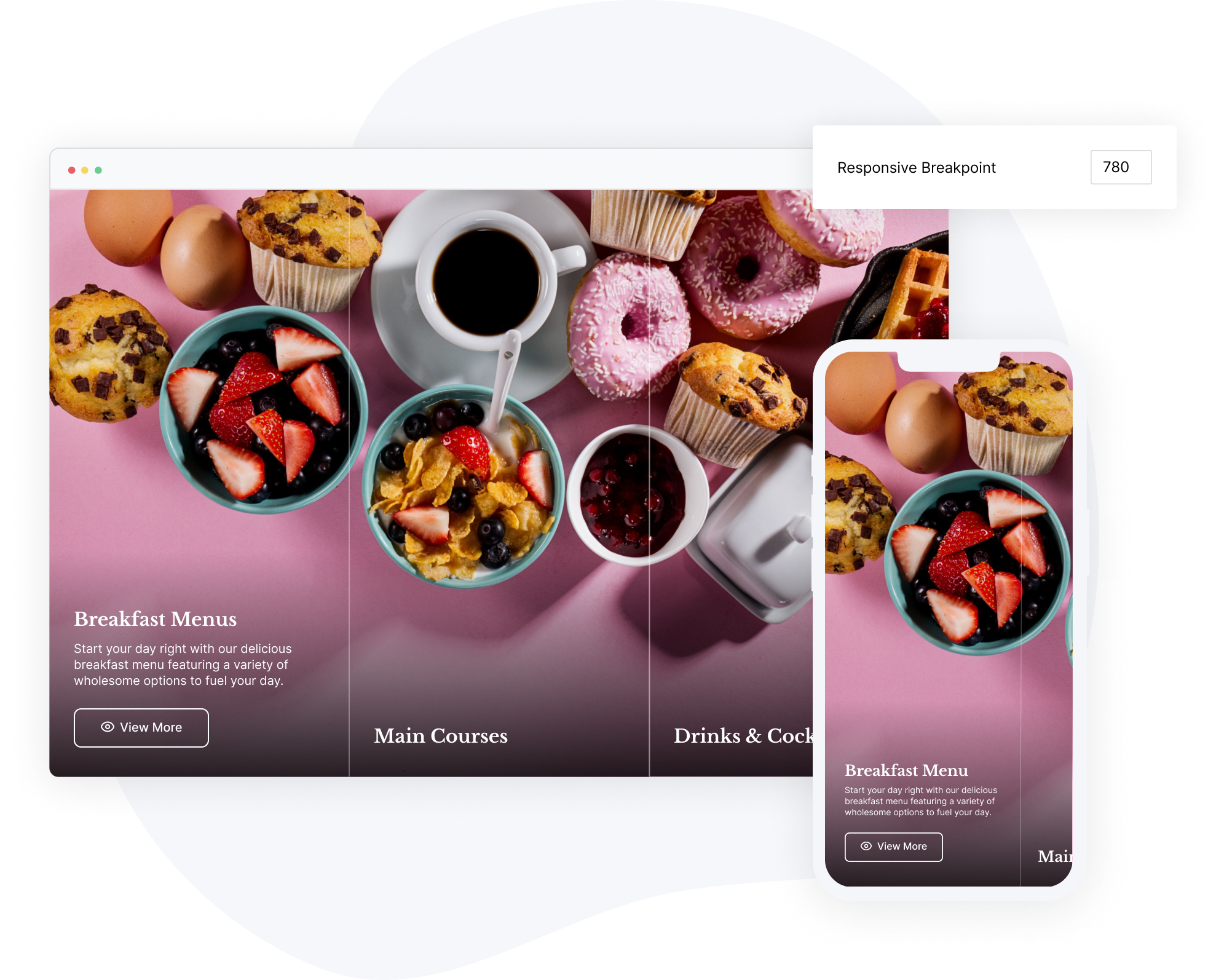
In responsive mode, the Background Switcher will remain functional, triggered by finger taps instead of hover. By setting a responsive breakpoint, the layout transforms into a swipe carousel, allowing users to scroll horizontally through content boxes.

Split Mode

Enhance Your Content with the Split Mode Setting!

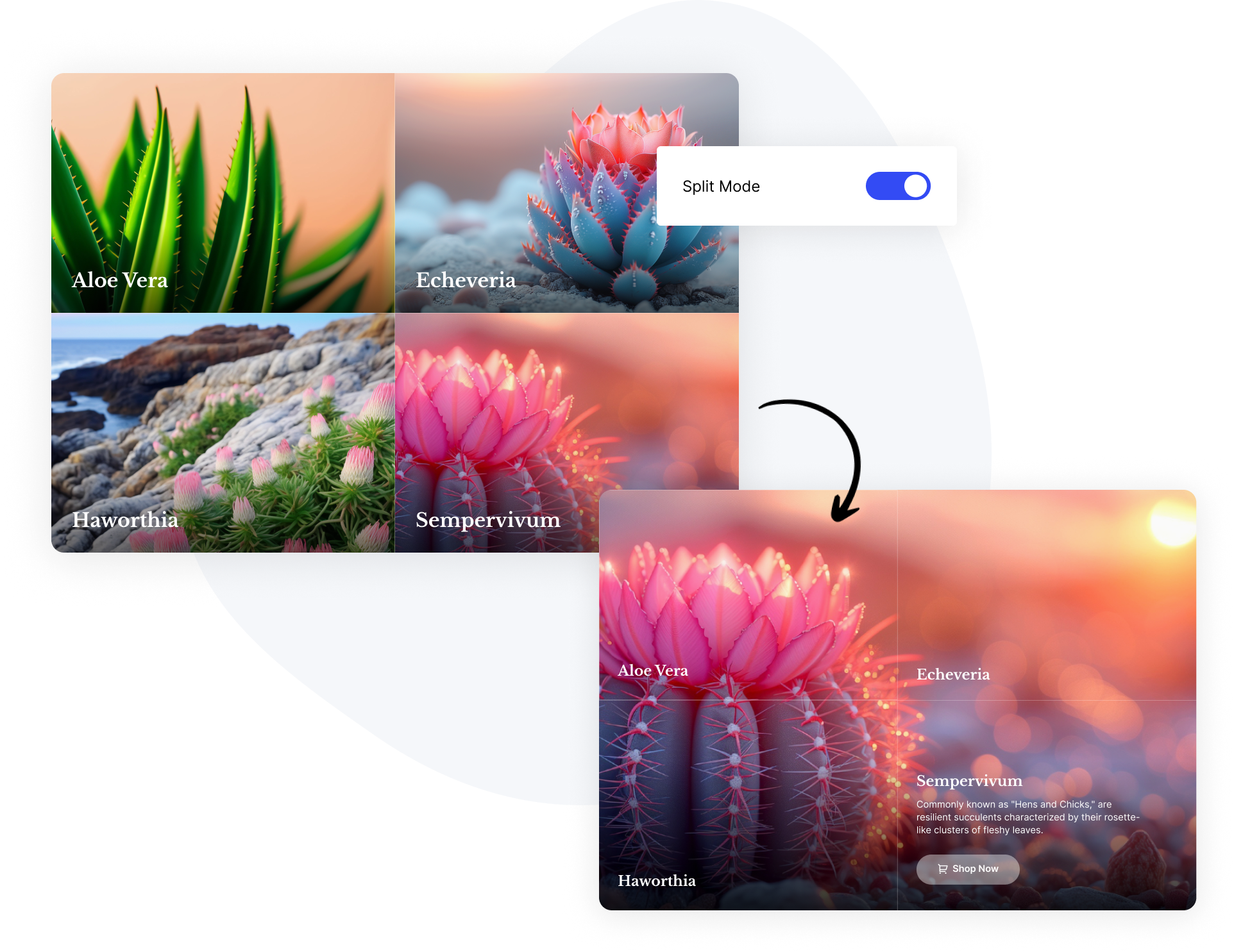
The split mode is a unique feature where each content box has its own background image. When you hover over a box, its background image spreads across the entire section, adding an interactive element to your content. 

Direction

Vertical or Horizontal Layout

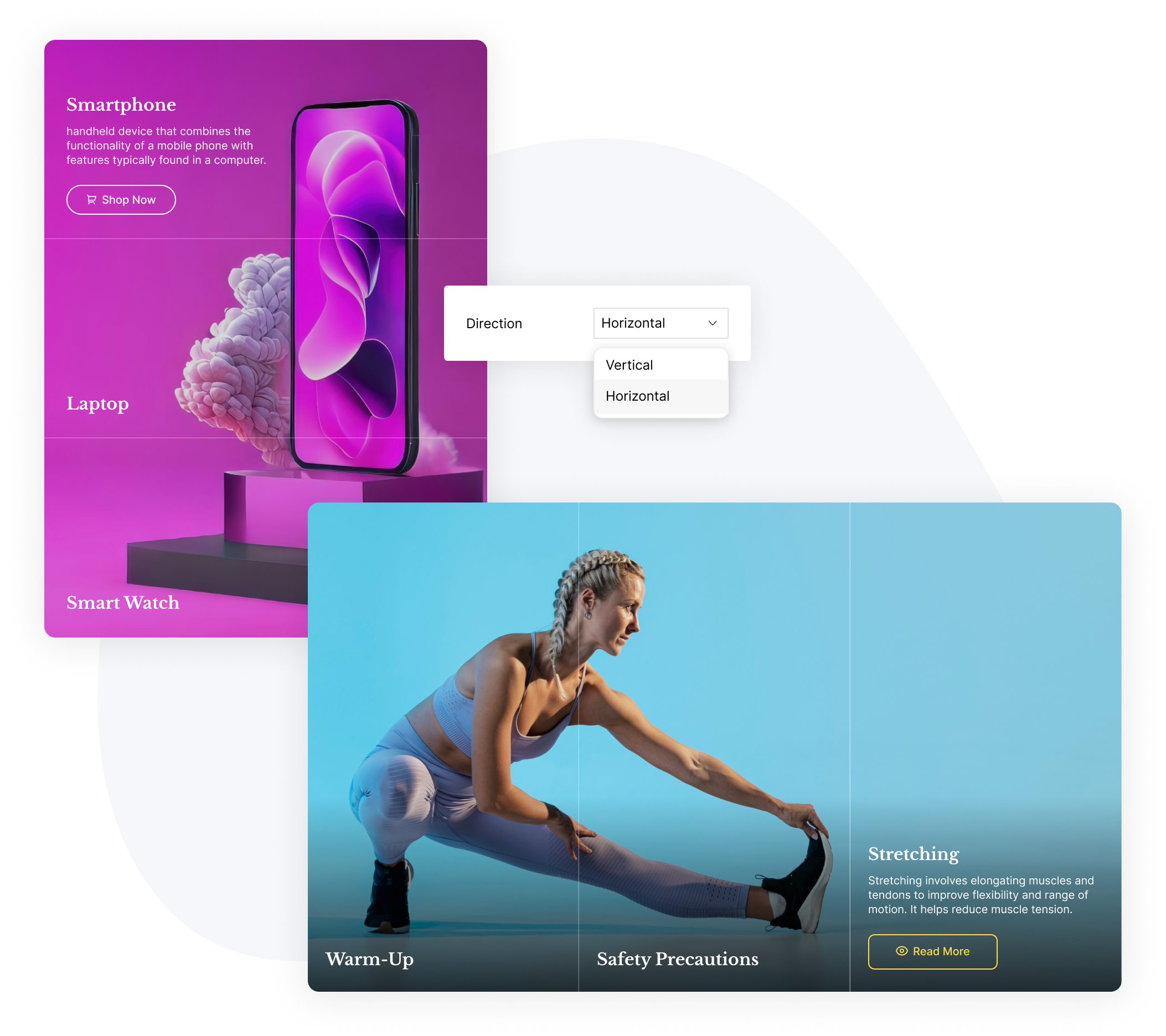
Specify the orientation of the background switcher by selecting either a vertical or horizontal layout, based on your specific needs. Easily customize the direction in which the content boxes will display, adding a personalized touch to your design.

Dynamic Content

The Power of Multiple Dynamic Source Types

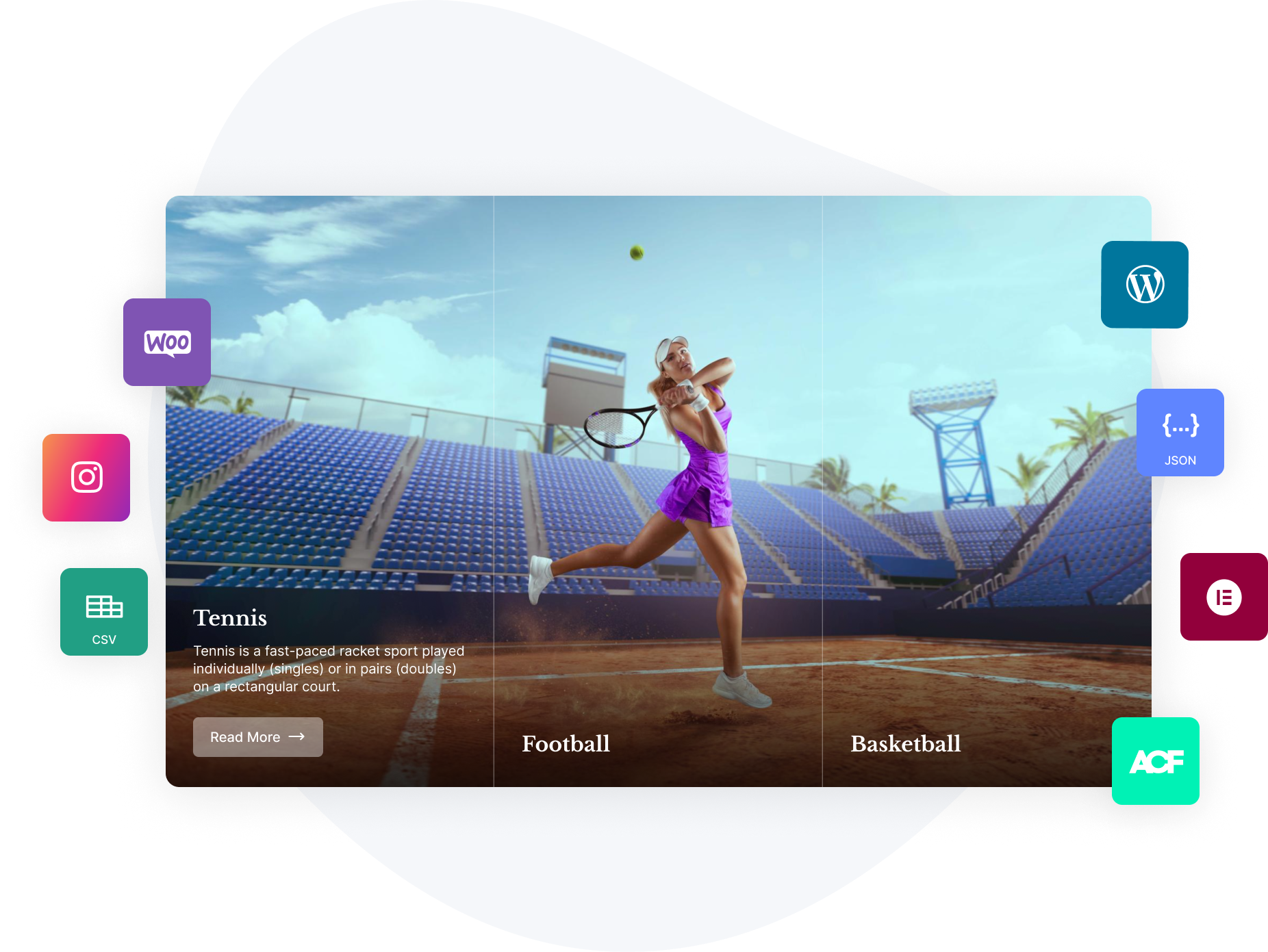
Effortlessly incorporate dynamic data into accordion items, supporting various types such as WordPress posts, Woo products, CSV and JSON files, ACF repeater fields, API integrations, and more. Our solution is designed to flexibly adapt to your specific dynamic content needs.
Impress your audience with smooth and seamless background transitions as they interact with your content.

We will style the design to match your website, including icons, text, and background colours. With the available customisation options, we can adjust every aspect of the look and feel to fit your preferences.

With your purchase, you will receive the following products and services:

For this form (and many others), we use the Unlimited Elements for Elementor Premium plugin, which is included in the price with a lifetime license. This official lifetime license allows you to use the plugin with all its current and future widgets and features, and it ensures you can update to the latest version without any expiration date.

The license is valid for one website only. We will install the plugin and activate the license for you. The license cannot be reused on other websites.

We will style the form to align with your website’s aesthetics or follow your specific instructions.

Yes, there is a link to the live demo in the description.

To grant us access to your website for product setup, please follow these steps:

1. In your WordPress admin dashboard, create a new user with admin privileges.
2. Share the URL to the admin panel, along with the username and password.

Once we complete the installation and setup to your satisfaction, you can delete that user account. Thank you!

RELATED PRODUCTS