


0
Your Cart
empty cart Your cart is currently empty! Return to Shop
Remove All Items

Elements

We will create and integrate Team Members and other elements for your website using Elementor Pro and your selected addons. Our team can design and set up functional, responsive elements for your website’s pages and templates, tailored to meet your specific needs.

Team Members Widgets for Elementor

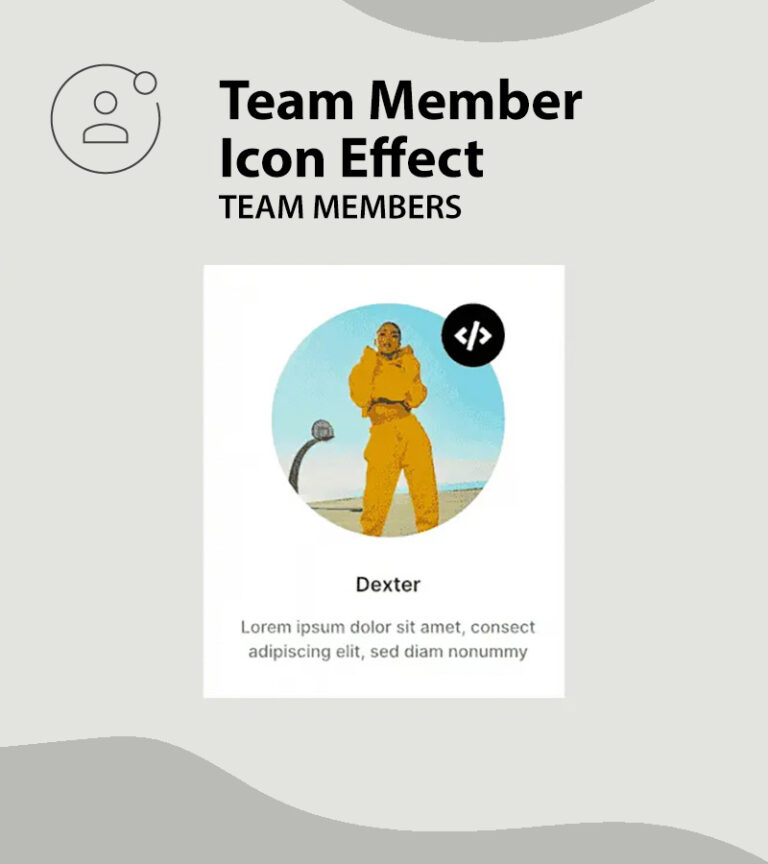
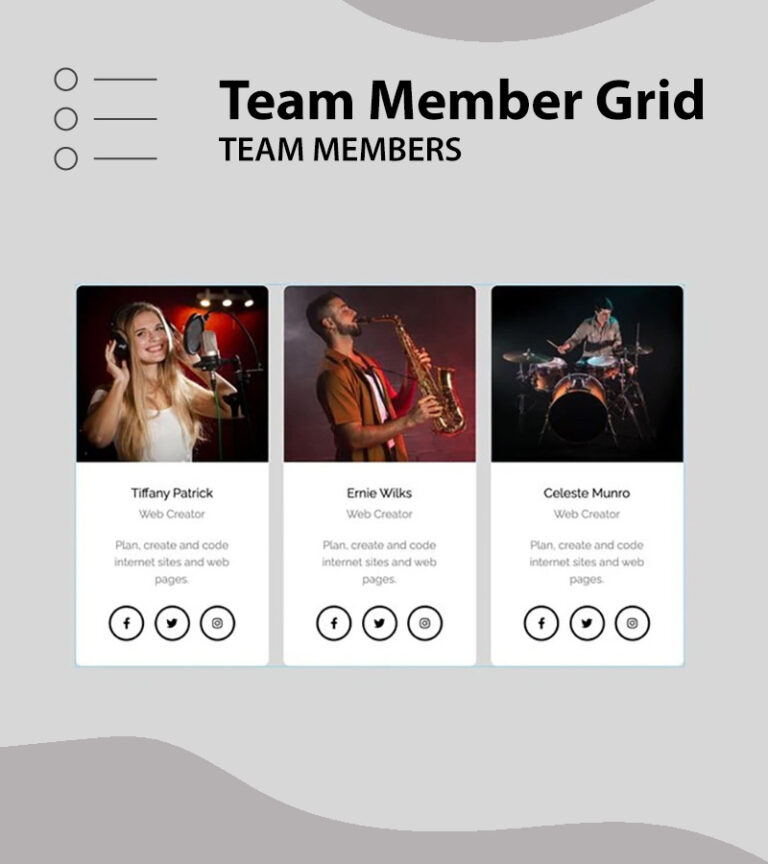
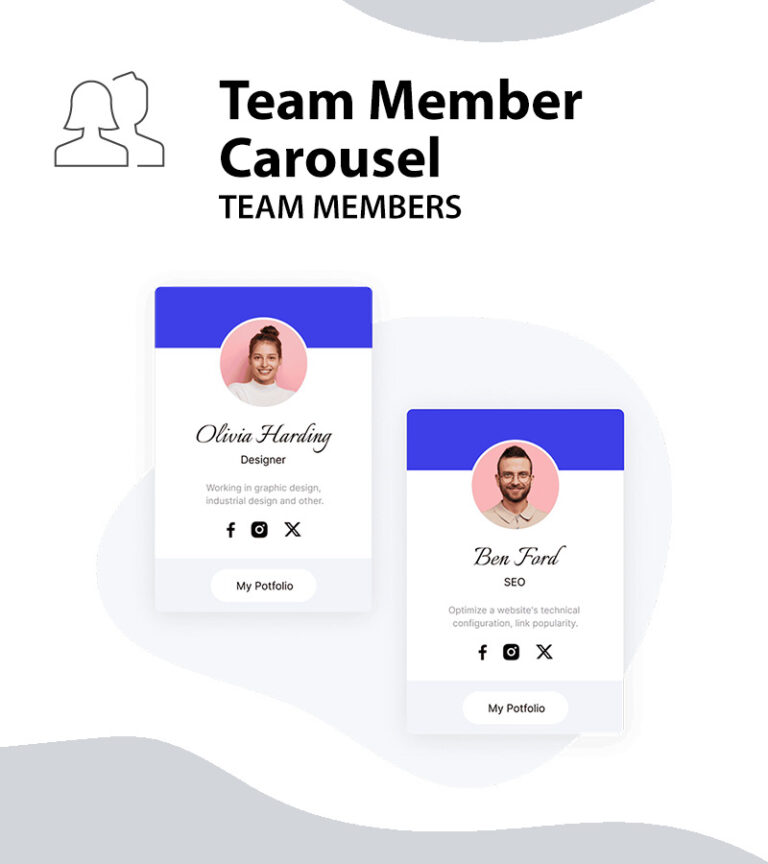
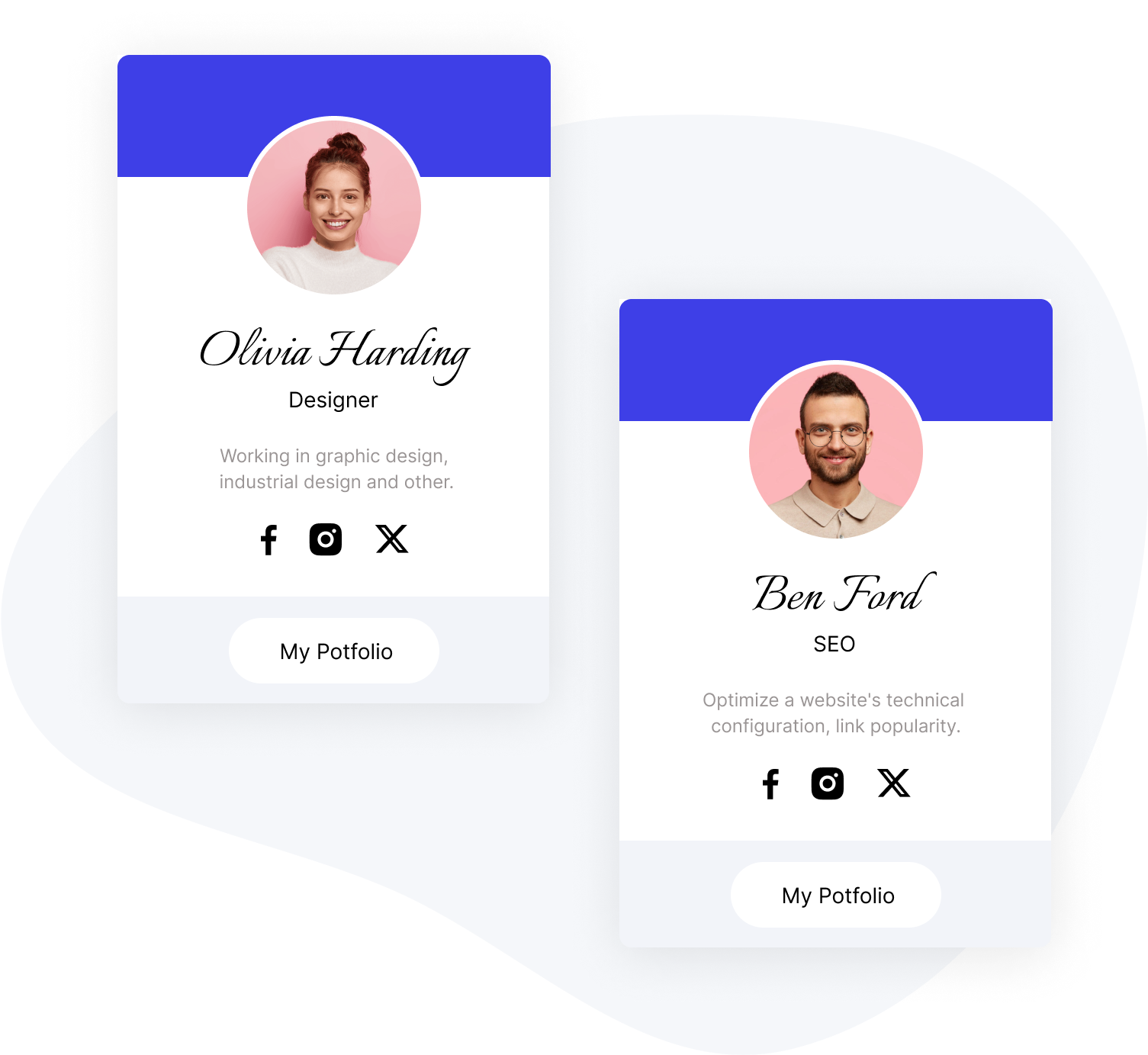
The team member widgets enable you to present your team, employees, or individuals in several formats on your Elementor website.

Main Features

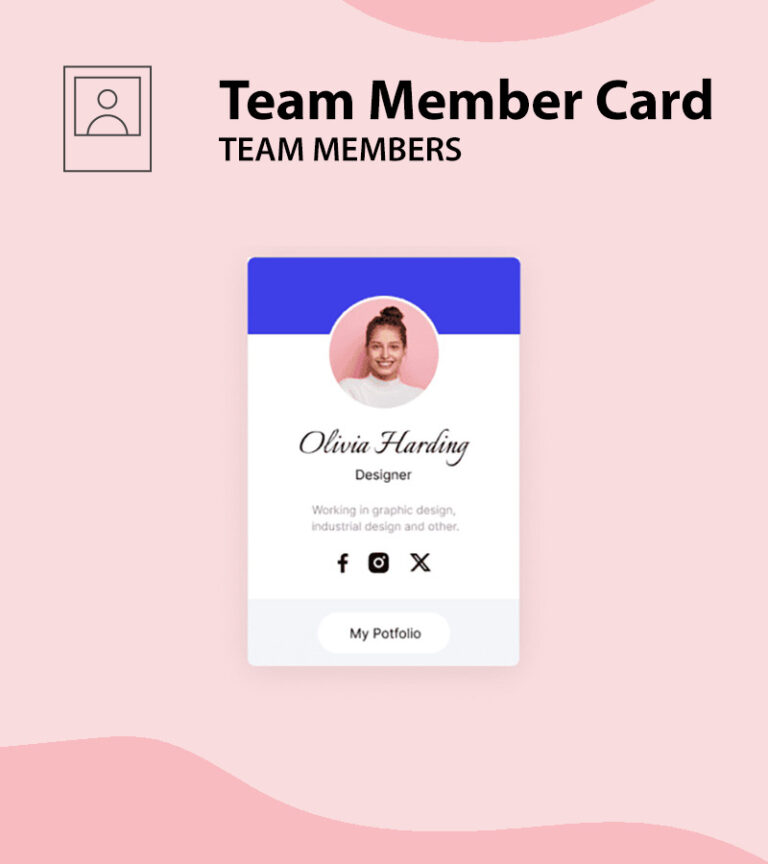
You can quickly add team members to your webpage. Add their picture, position, bios and social links fast and easy. We even added an option to have a call to action button as part of the team members’ widgets.

georgia-mashford-BAh58gywwp8-unsplash5
Jason
Web Creator
emrecan-arik-k5gtrLdFVUI-unsplash1
Andrew
Web Creator
hill2
Danny
Web Creator
Plan, create and code internet sites and web pages.

nature3
Maxim
Web Creator
Plan, create and code internet sites and web pages.

Layout Options

Show or hide different fields from the team members’ widgets settings.

Design Options

Multiple design options to make your team members stand out.

Call To Action Button

Add a call to action button to your team members widgets.

team-member6_image
Sophia Greis
Web Designer
Plan, create and code internet sites and web pages.

timur-romanov-u-fY6-iUJPg-unsplash
Lauren Sims
CEO
Plan, create and code internet sites and web pages.

15
Richie Mille
Project Manager
Plan, create and code internet sites and web pages.

woman-wearing-headphones-smiles
Jenie Dennis
Vocal

Performing an elegant solo or being the heart of the orchestra

Download Resume
side-view-male-artist-playing-violin
Scott Nelson
Violin

Performing an elegant solo or being the heart of the orchestra

Download Resume

Image Options

The image can be set to be full width or in specific dimensions so you can create the desired design for your website using the team members widgets.

Full Layout Control

Any element of the team members widgets can be placed in the header, content or footer.